
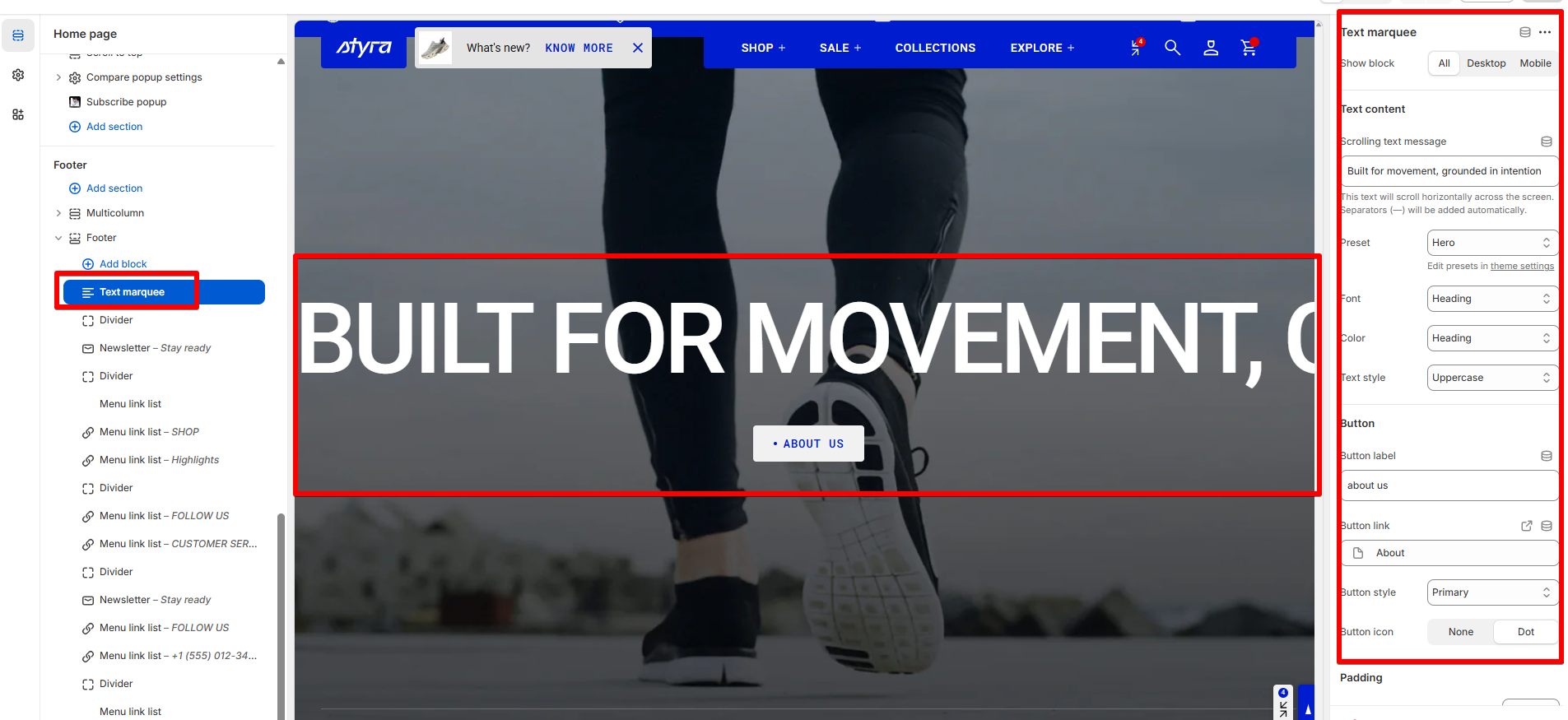
Text marquee
| Setting | Description |
| Show block |
Choose where the block will be displayed:
|
Text content
| Setting | Description |
| Scrolling text message | This text will scroll horizontally across the screen. Separators (—) will be added automatically. |
Heading, subheading, caption, and paragraph style
| Setting | Description |
| Preset |
In Theme Settings → Typography → Fonts, you can set font settings for Heading, Caption, and Paragraph. Choose which style to apply in this block.
|
| Font |
In Theme Settings → Typography → Fonts, you can select a font family from the list and choose the font weight at the end of the list separately for Heading, Body, and Accent text. Based on these settings, each block allows you to choose which font style is applied.
|
| Color |
Each color scheme includes Heading, Text, and Accent color settings. Use this dropdown to select which color to apply. The available options may vary depending on the selected block color scheme.
|
| Text style |
Choose text style for preset:
|
Button
Button settings are global and can be found in the Global settings category.
For more details, see the article: "Button settings"
Padding
Padding settings are global and can be found in the Global settings category.
For more details, see the article: "Block padding settings"