
Row block - column block - product: team member
Content blocks section - row block - column block
Team member is part of the column block.
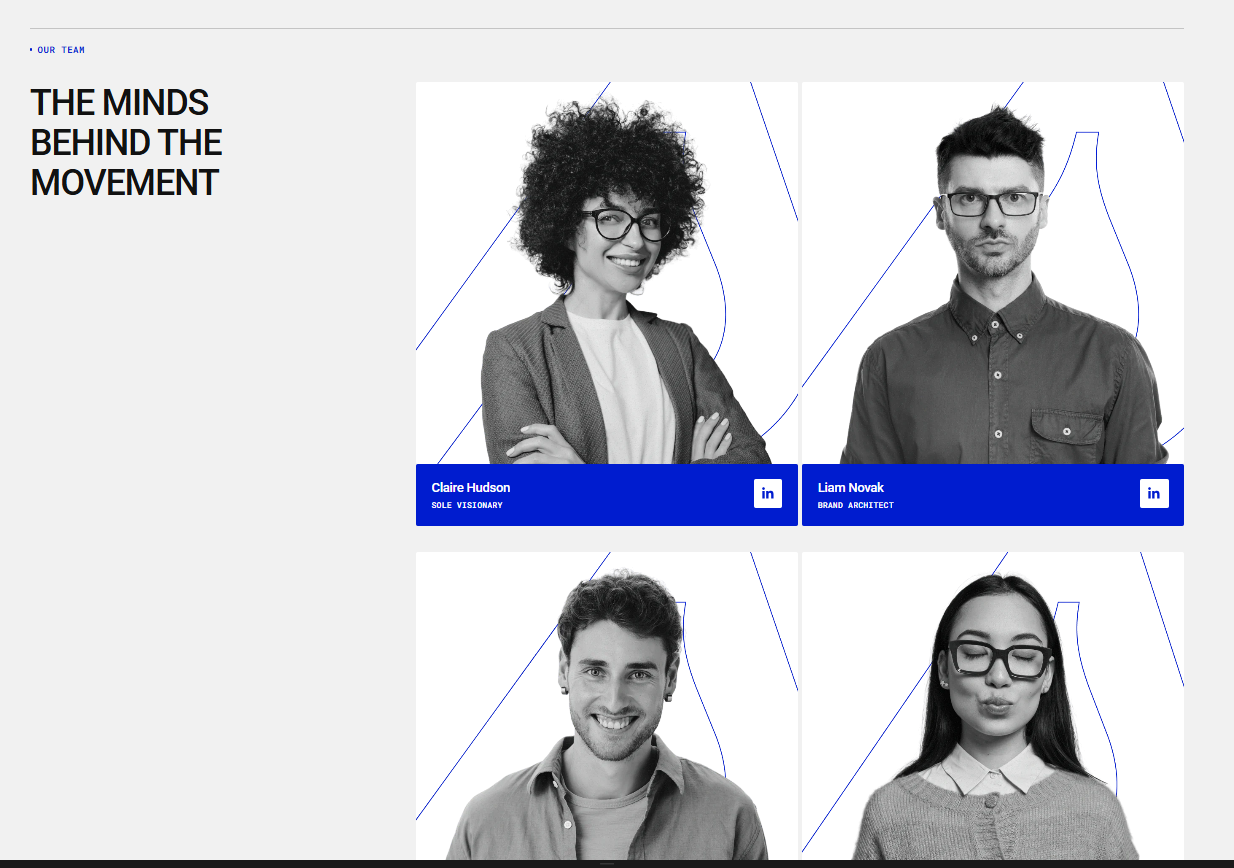
| Setting | Description |
| Color scheme | Select the color scheme applied to the team member block. Read 'Color scheme' article to learn more about color schemes. |
| Image | Upload or select the image displayed for the team member. |
| Image background color |
Set the background color displayed behind the image. For example, you can upload an employee image with a transparent background and select a background color from the following options:
The available colors depend on the selected Color Scheme and will use the corresponding colors defined in that scheme’s color settings. |
| Image ratio |
Choose the aspect ratio used to display the image. Options:
|
| Custom image ratio | Use the slider to adjust a custom aspect ratio for the icon. |
| Gap | Set the spacing between the image and the content elements. |
| Content color scheme | Select the color scheme applied to the text and content inside the block. |
Heading
| Setting | Description |
| Heading | You can add the employee’s last name and first name here. |
| Preset |
In Theme Settings → Typography → Fonts, you can set font settings for Heading, Subheading, Caption, and Paragraph. Choose which style to apply in this block.
|
| Color |
Each color scheme includes Heading, Text, and Accent color settings. Use this dropdown to select which color to apply. The available options may vary depending on the selected block color scheme.
|
| Text style |
Choose text style for preset:
|
Description
| Setting | Description |
| Description | You can add the employee’s position in the company here. |
| Preset |
In Theme Settings → Typography → Fonts, you can set font settings for Heading, Subheading, Caption, and Paragraph. Choose which style to apply in this block.
|
| Color |
Each color scheme includes Heading, Text, and Accent color settings. Use this dropdown to select which color to apply. The available options may vary depending on the selected block color scheme.
|
| Text style |
Choose text style for preset:
|
Social media
| Setting | Description |
| Social media icons |
Choose which social media icon to display for the team member. Options:
|
| Custom icon | Add a custom icon to display when Custom is selected as the social media option. |
| Icon link | Add the URL that the icon will link to when clicked. |