
Email signup banner
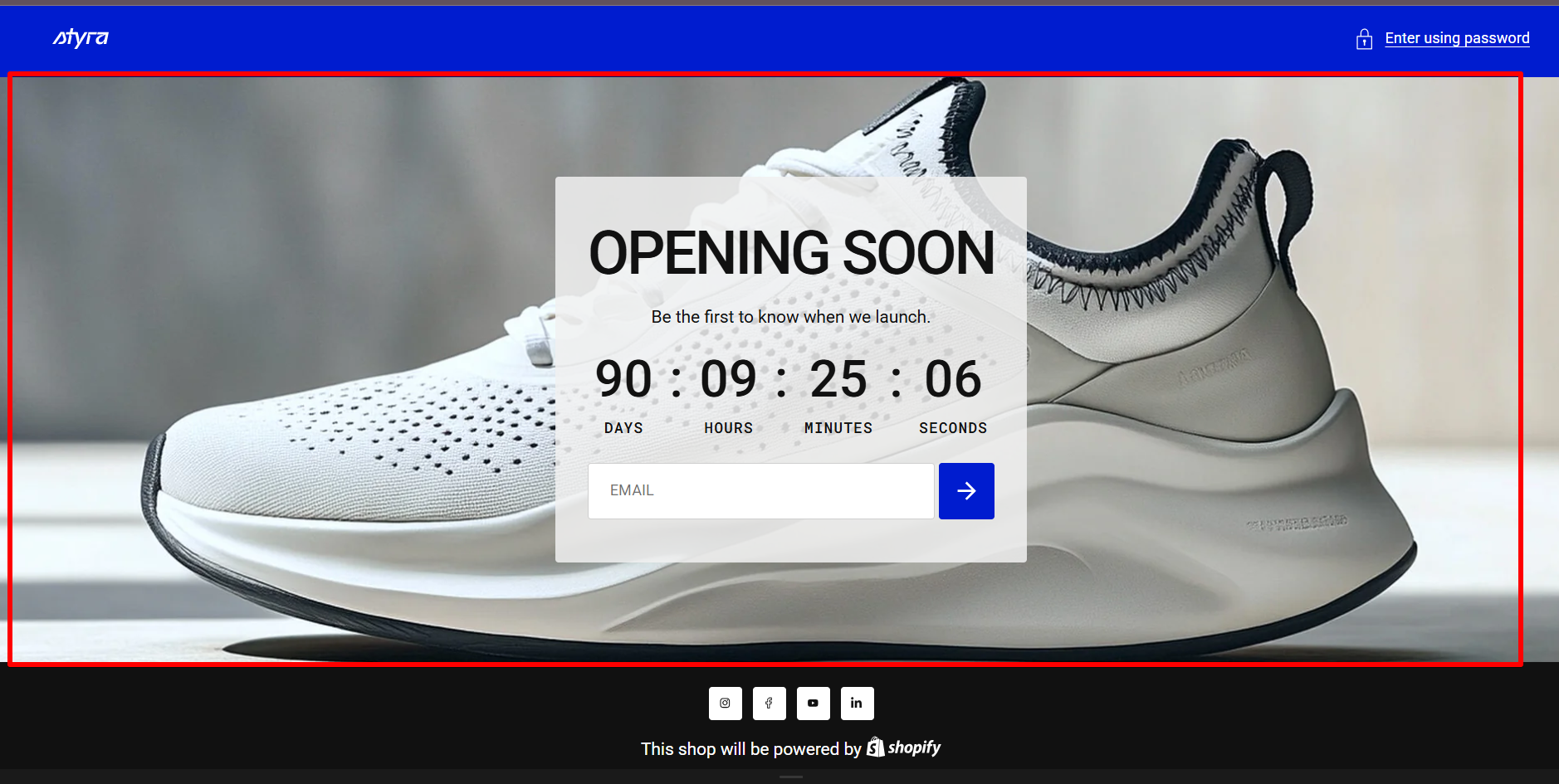
Each email subscription creates a customer account. Learn more
| Setting | Description |
| Color scheme |
Apply color scheme for the email signup banner from the available color schemes list. Read 'Color scheme' article to learn more about color schemes. |
Background image
| Setting | Description |
| Show background image | Show a banner image. It can cover the full banner or be placed on the left or right. |
| Image | Upload or select an image from the library for the email signup banner. |
| Image overlay opacity | Set the opacity of the overlay applied over the banner image to improve text readability. This works both when the image is used as a background or positioned on the left or right of the content. |
| Image position |
Select the position of the banner image. Options:
Note: Left and Right positions are always shown at the top on mobile devices. |
Layout
| Setting | Description |
| Desktop content alignment | Choose the alignment of content on desktop: Left, Center, or Right. |
| Mobile content alignment | Choose the alignment of content on mobile: Left, Center, or Right. |
Padding
Padding is the space inside a section that separates the content from the section’s edges.
See this article to set paddings: Section padding