
Banner
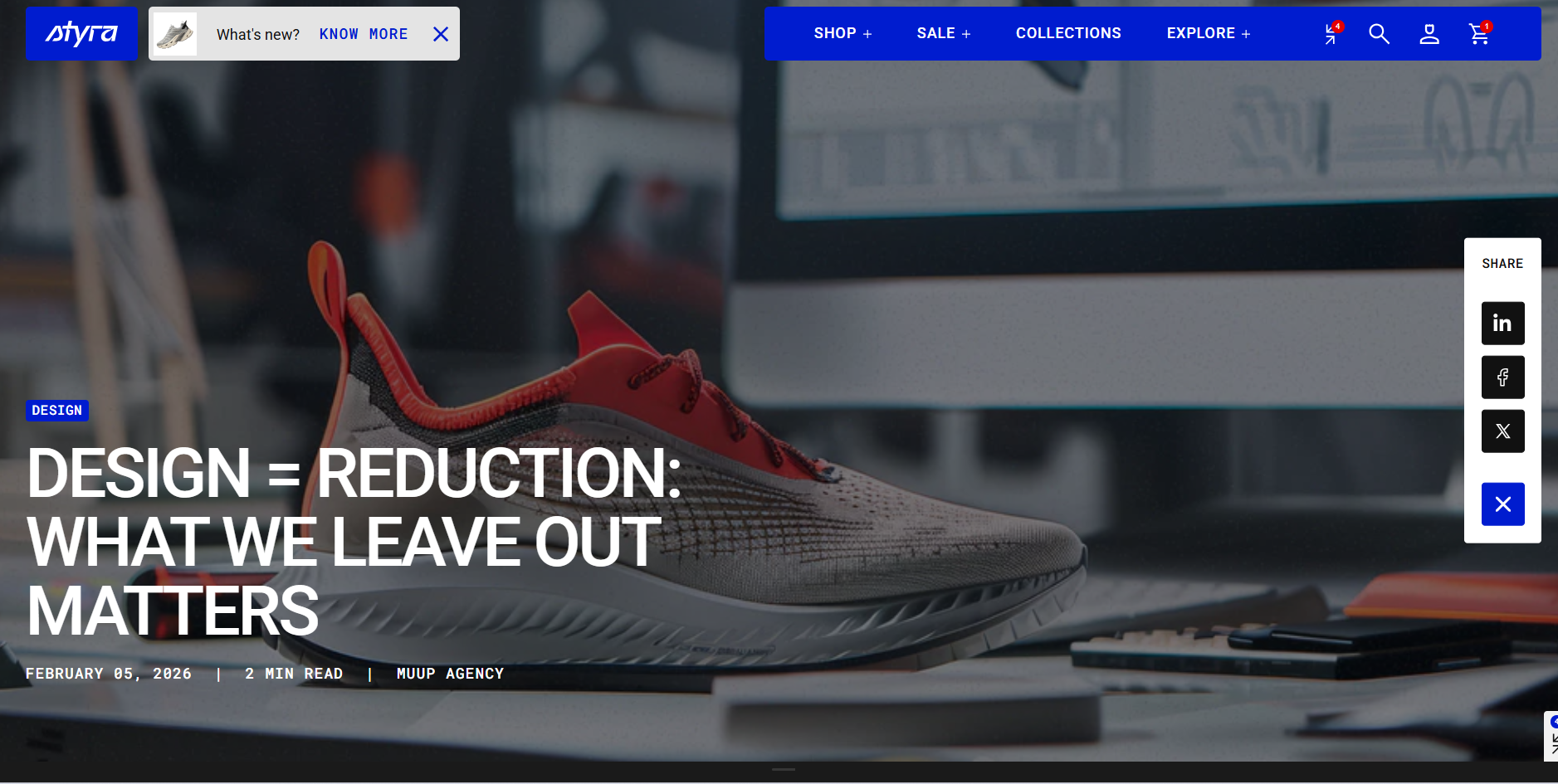
| Setting | Description |
| Color scheme |
Apply color scheme for the blog banner from the available color schemes list. Read 'Color scheme' article to learn more about color schemes. |
| Custom image |
You can enable a custom image instead of using the default image from the blog post in the Dashboard.
|
| Image position |
Select the position of the banner image. Options:
|
| Overlay opacity | Set the opacity of the overlay applied over the banner image to improve text readability. This works both when the image is used as a background or positioned on the top or bottom of the content. |
| Show tags |
Tags can be added to each blog post in the Content section of the Dashboard. Enable this option to display the tags in the blog banner above the heading. |
| Bottom space | The 'Bottom space' option lets you adjust the space below tags to title. |
| Bottom space mobile | Adjust the space below tags specifically for mobile devices. |
| Show title | Enable this option to show title on the banner image. |
| Preset |
In Theme Settings → Typography → Fonts, you can set font settings for Heading, Subheading, Caption, and Paragraph. Choose which style to apply to the title in this block:
|
| Font |
In Theme Settings → Typography → Fonts, you can select a font family from the list and choose the font weight at the end of the list separately for Heading, Body, and Accent text. Choose which font family apply to the banner title:
|
| Color |
Each color scheme includes Heading, Text, and Accent color settings. The available options may vary depending on the selected block color scheme. Use this dropdown to select which color to apply to the banner title:
|
| Text style |
Choose text style for preset:
|
| Bottom space | The 'Bottom space' option lets you adjust the space below the title to date, author or custom text. |
| Bottom space mobile | Adjust the space below title specifically for mobile devices. |
| Show date | Enable this option to display the blog post’s publication date on the banner. |
| Show custom text | Enable this option to display a custom text on the blog banner. |
| Custom text | For example, you can use it to show “2 min read” to indicate the estimated reading time for the post. |
| Show author | Enable this option to display the author’s name on the blog banner. |
| Show container |
Enable this option to display a container around the content. Note: This option is available when image position is Cover. |
Padding
Padding is the space inside a section that separates the content from the section’s edges.
See this article to set paddings: Section padding