
Comments
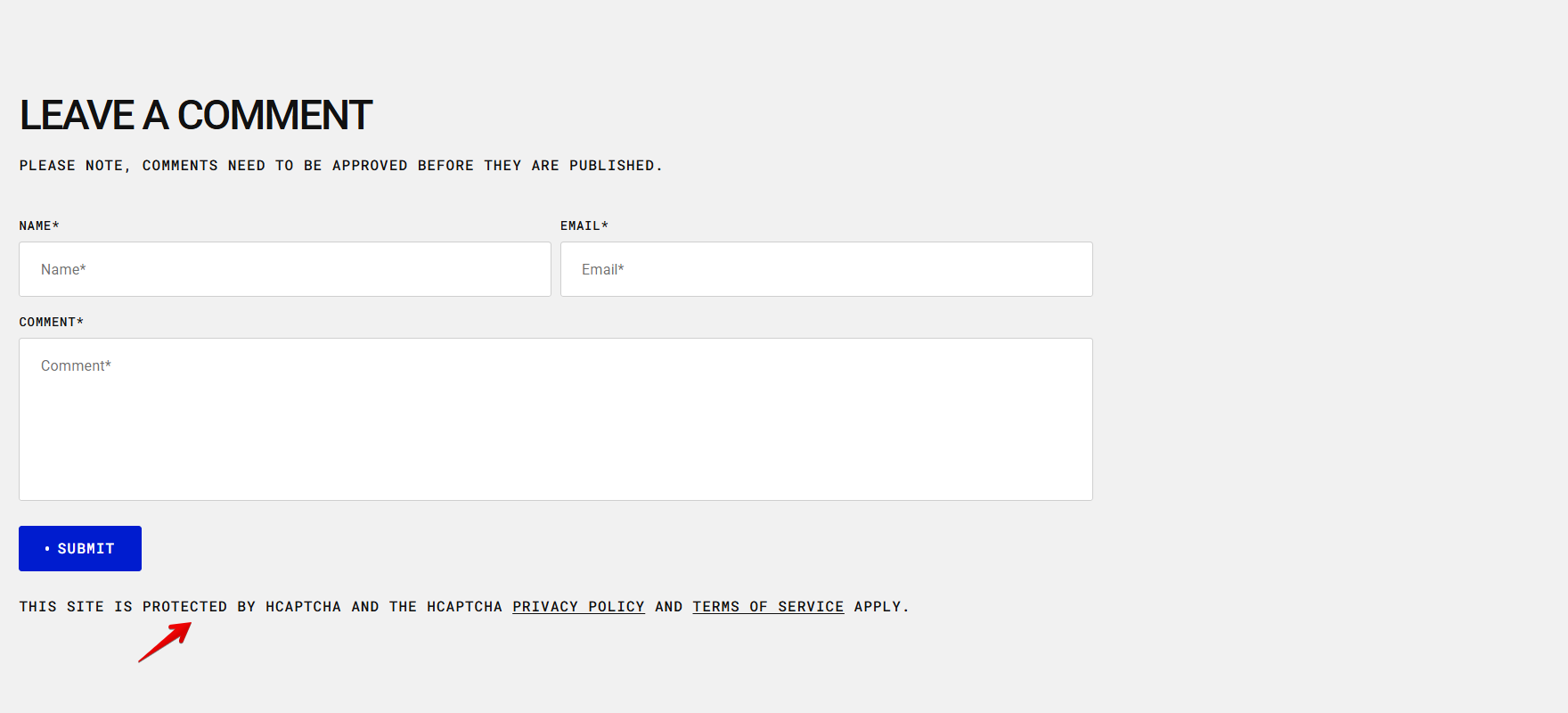
| Setting | Description |
|---|---|
| Title style |
Choose the text style for the "Comments" heading: • Normal • Uppercase (Default) • Lowercase |
| Submit button style |
Choose the button's appearance: Primary: The main button style. It uses the primary color from your color scheme. You can choose to fill it with the background color or display it as an outline if the background is set to transparent. Secondary: A secondary action style, using the secondary color from your color scheme. Like the primary button, it can be filled or outlined depending on the background settings. Inline: Minimal style that looks like text with an underline. |
| Submit button icon |
This setting lets you add a small visual indicator to your button. None: The button displays only the text, with no icon. Dot: A small dot appears before the button label. |
| Description | Description is placed below the comments form |
| Preset (Default) | This style allows you to adjust text within the rich text field and hides all other preset-related options. |
| Preset |
In Theme Settings → Typography → Fonts, you can set font settings for Heading, Subheading, Caption, and Paragraph. Choose which style to apply in this block. Hero, H1-H6: This style allows you to select a heading level from Hero, H1 to H6 and customize it using the options below. Subheading: This style is used for text that appears below a main heading, typically smaller or less prominent than the heading, but still visually distinct from body text. Caption: This style is used for short supporting text, such as labels or annotations. Paragraph: This style is used for standard body text. |
| Font |
In Theme Settings → Typography → Fonts, you can select a font family from the list and choose the font weight at the end of the list separately for Heading, Body, and Accent text. Based on these settings, each block allows you to choose which font style is applied. Heading Body Accent |
| Color |
Each color scheme includes Heading, Text, and Accent color settings. Use this dropdown to select which color to apply. The available options may vary depending on the selected block color scheme. Heading Text Accent |
| Text style |
Choose text style for preset: Normal: Displays the text exactly as entered in the rich text field in the theme customizer or the rich text field in the admin. Uppercase: ALL LETTERS ARE CAPITALS Lowercase: all letters are small |
| Top space | The 'Top space' option appears when you add a description. It lets you adjust the space above the description. |
| Top space mobile | Adjust the space above the description specifically for mobile devices. |