
Logo and favicon
A logo is a graphic symbol representing a brand or company.
Logos are typically placed in headers and footers to maintain consistent branding, a professional look, and easy identification across all pages.
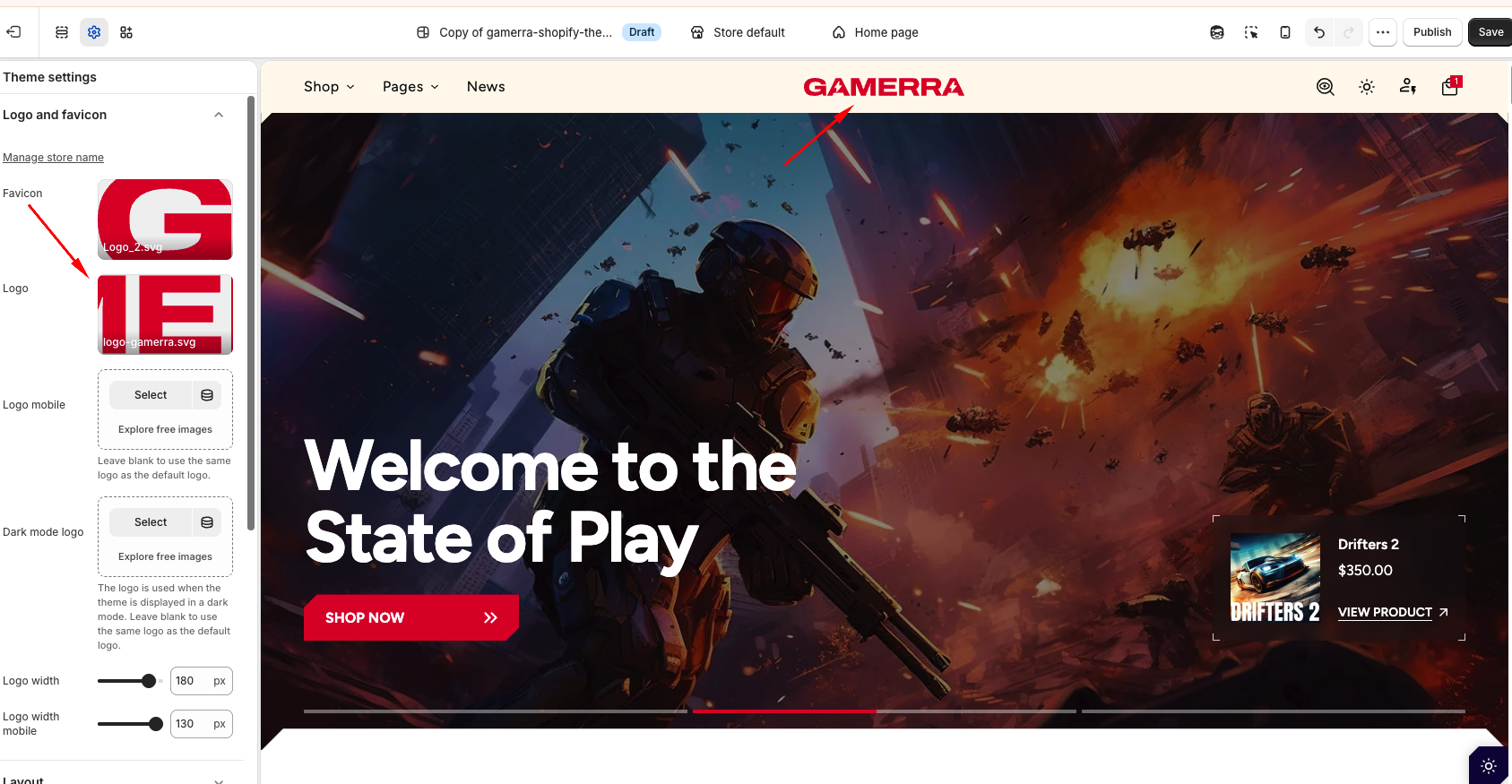
| Setting | Description |
|---|---|
| Manage store name |
A link to your Shopify admin (Settings → General), where you can change the store name. The store name is displayed as text in the header when no logo is uploaded, and it is used in the logo's alternative text for screen readers. |
| Favicon |
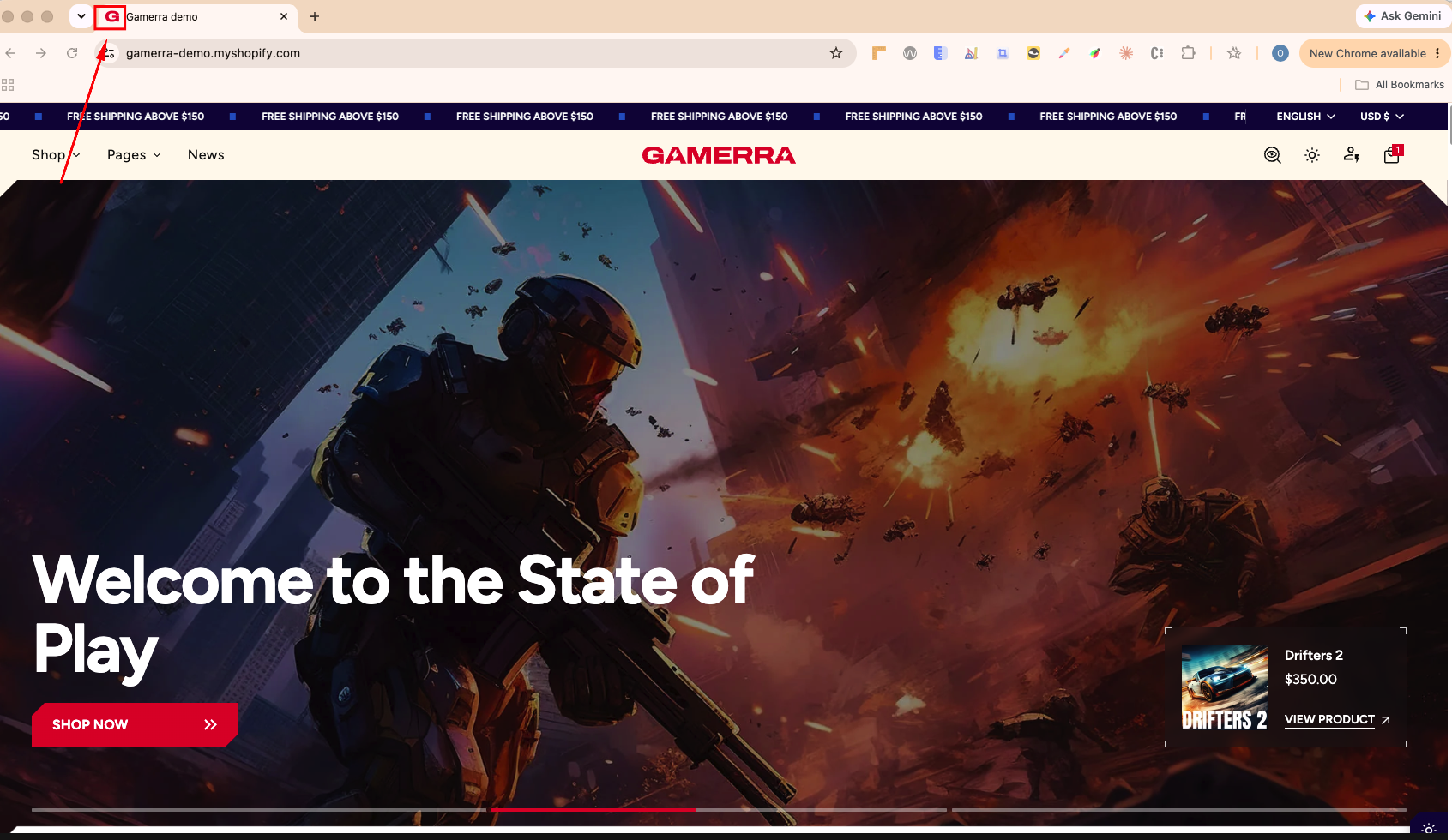
A favicon is a small icon displayed in the browser tab next to your website title. Upload a custom favicon to personalize this element and improve brand recognition. Recommendation: Upload a square PNG image of at least 32×32 px. The theme outputs the favicon as a 32×32 px PNG, so an SVG file may not be displayed in every browser. |
| Logo |
This is the logo used in light mode on screens wider than 749 px. It is also displayed on the Password page and the Gift card page. This setting allows you to upload a logo image, select one from your media library, or choose from available free images. SVG format is recommended because SVG logos:
After you upload the desktop logo, the Logo mobile option becomes available. If no logo is uploaded, the store name is displayed as text instead. |
| Logo mobile |
Upload a dedicated logo version optimized for mobile devices (screens up to 749 px wide). This option appears after a desktop logo has been added. If left blank, the main Logo is used on mobile. |
| Dark mode logo |
This is the logo used in dark mode on screens wider than 749 px. You can upload a separate logo version for dark backgrounds. A standard (light mode) logo may not be clearly visible on dark surfaces, so using a dedicated dark mode logo ensures your branding remains visible and consistent. If left blank, the main Logo is used in dark mode. Note: Dark mode logos are used only when Light/Dark mode is enabled in Theme settings. |
| Dark mode logo mobile |
This is the logo used in dark mode on mobile devices (screens up to 749 px wide). This option appears after a Dark mode logo has been added. If left blank, the light Logo mobile is used (or the main Logo if no mobile logo is set), not the Dark mode logo. Recommendation: Whenever you upload a Dark mode logo, also upload a Dark mode logo mobile so the mobile header stays clearly visible on dark backgrounds. |
| Logo width |
Sets the logo width on screens wider than 749 px. On the Password page it sets the maximum logo width. Range: 50–200 px. Default: 100 px. On very large screens the logo scales together with the Scale on large desktops setting. |
| Logo width mobile |
Sets the logo width on screens up to 749 px wide. Range: 30–130 px. Default: 50 px. |