
Divider settings
Divider section:
A divider section is a visual element used to separate or break up content on a webpage. It helps organize information, making the page easier to read and navigate. It is usually a line.
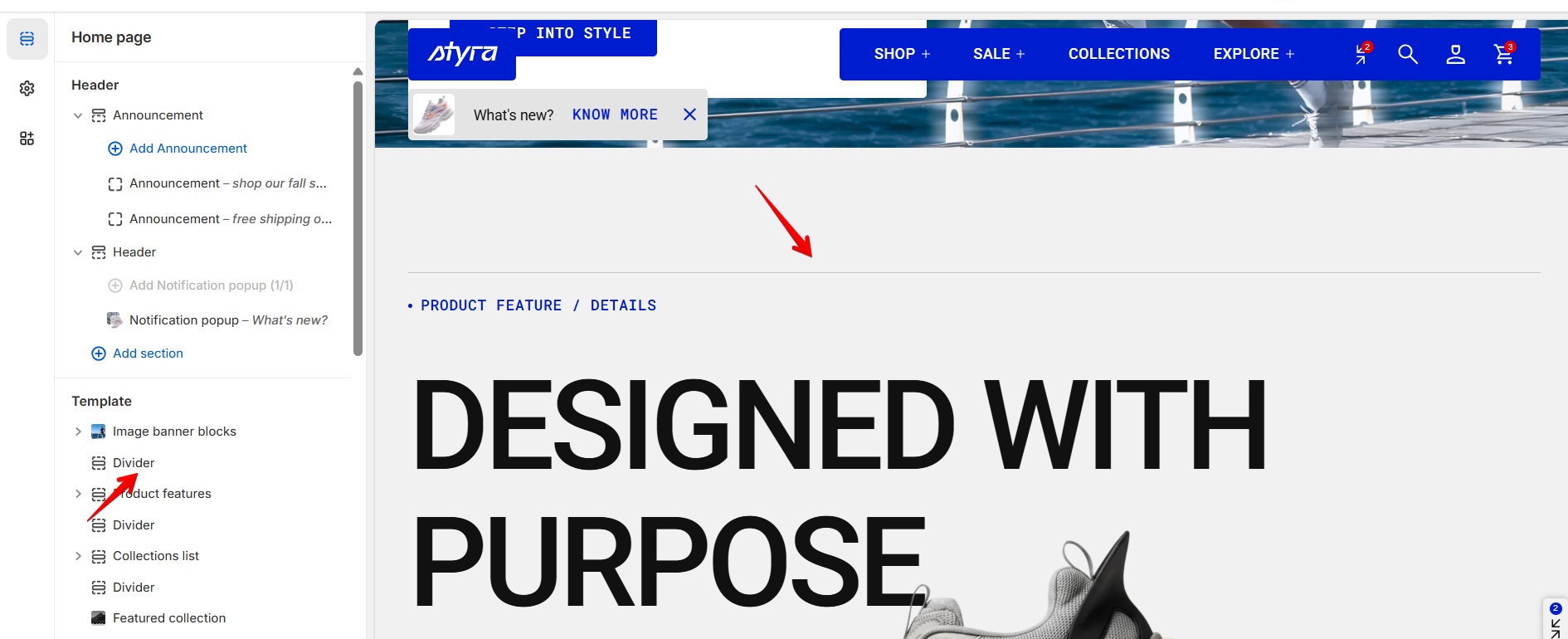
How to access the Divider section
Access this section through the theme customizer:
- Navigate to Online Store > Themes
- Select “Customize” on your active theme
- On any theme template, click “Add section”
- Search and select “Divider.”
Note: Section cannot be added to the Password page.
To insert a new section between existing ones, follow the steps in the article "Section and blocks"
How to configure the Divider section
Basic Components
The “Divider” section consists of general settings.
To start customizing your collection, click on the “Divider” section to access its settings.
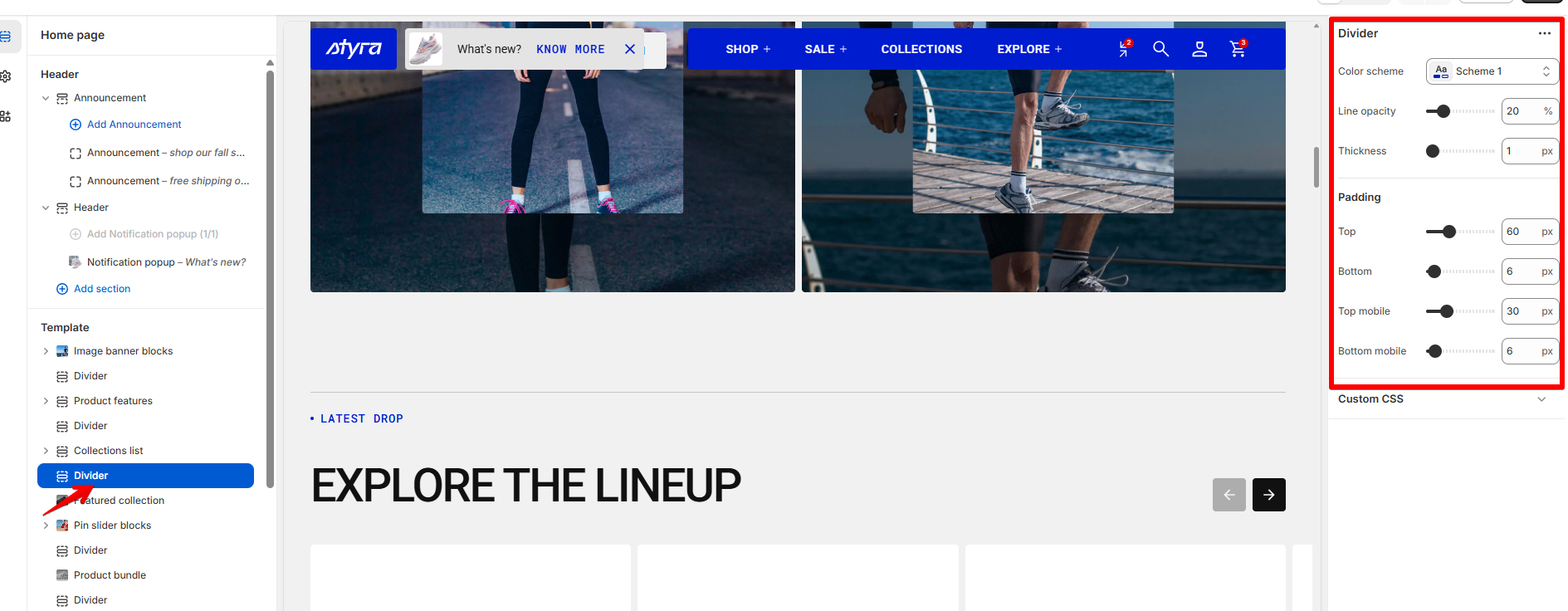
| Setting | Description |
| Color scheme | Read this article to learn more about Color scheme. |
| Line opacity | Adjust the transparency of the divider line. |
| Thickness | Set the thickness of the line. |
Padding
Padding is the space inside a section that separates the content from the section’s edges.
See this article to set paddings: Section padding