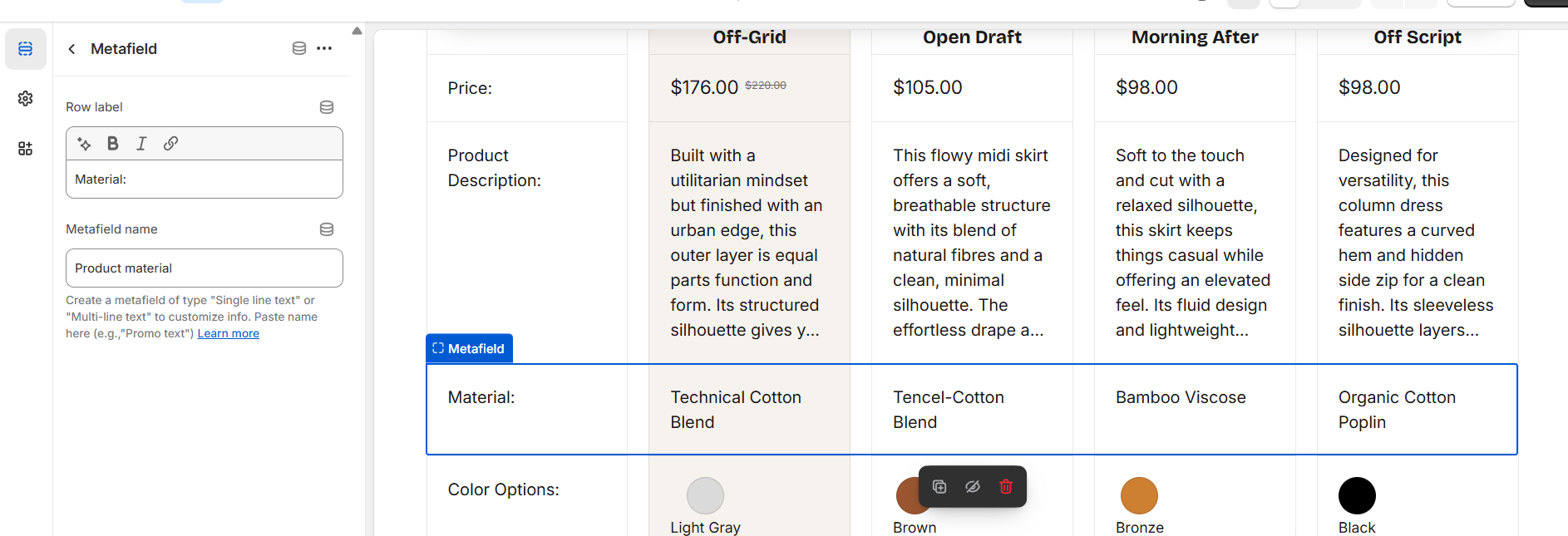
Metafield
Add a “Metafield” block to display a row in the table. You can add Metafield block a lot of times.
| Setting | Description |
| Row title |
Add a label for metafield.
|
| Metafield name |
Add a metafield name. Create a metafield of type “Single line text” or “Multi-line text” to customize the information, then paste the metafield name into the field. |
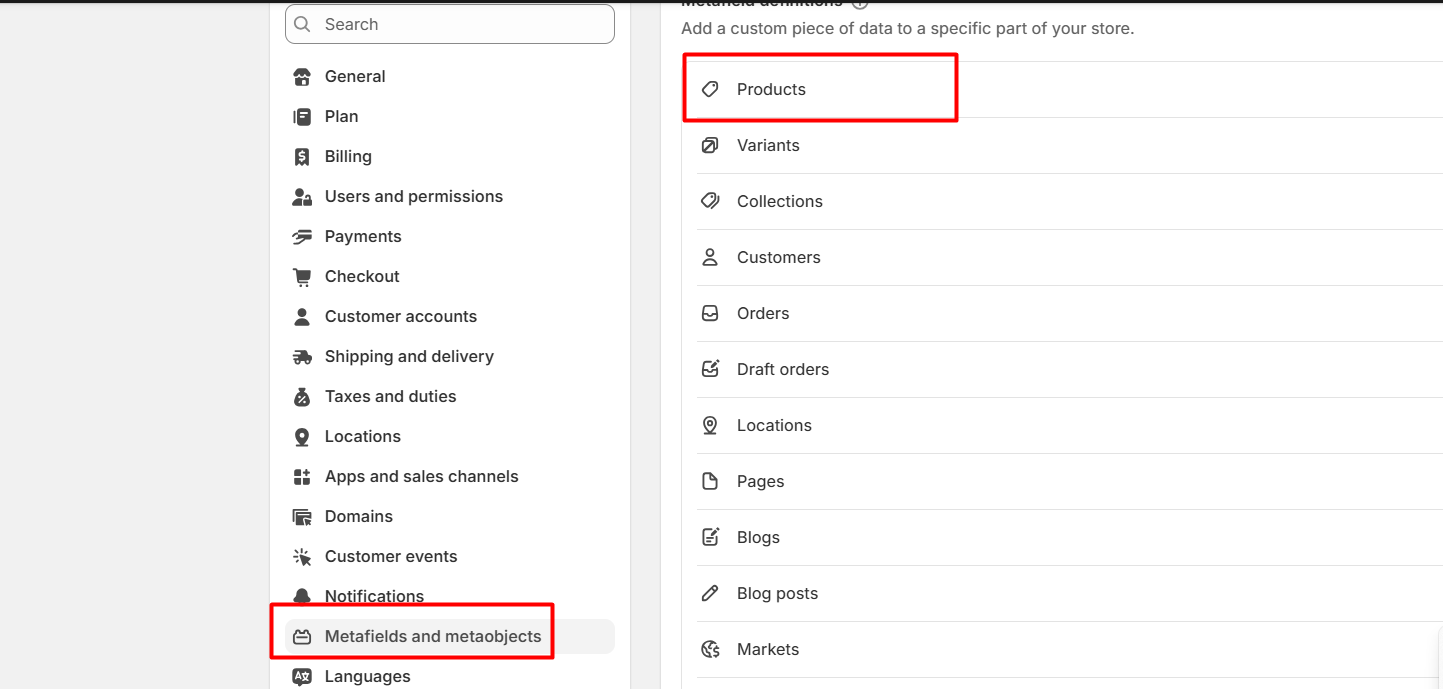
- Navigate to “Settings” of admin panel.

- Then click on “Custom Data tab” and “Products” section.
- Click on the button “Add definition” on the right corner.
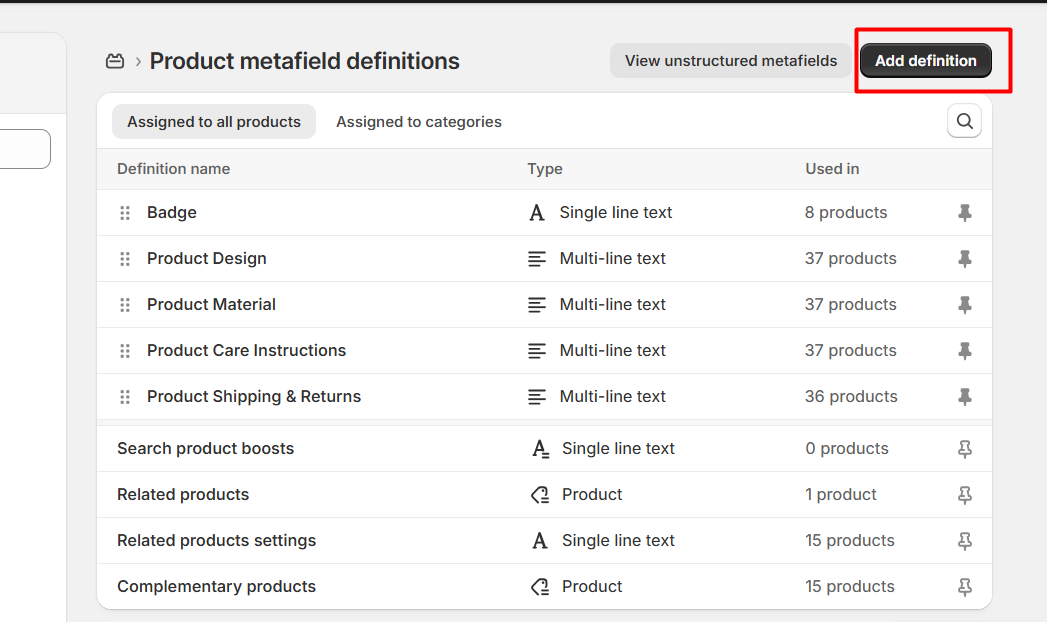
- Fill in the information in metafield and click “Save” to keep all your changes.
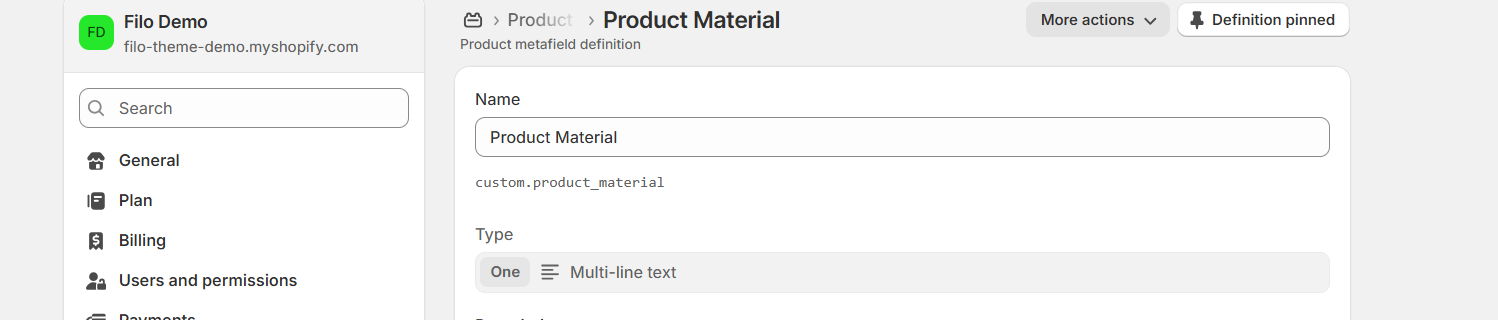
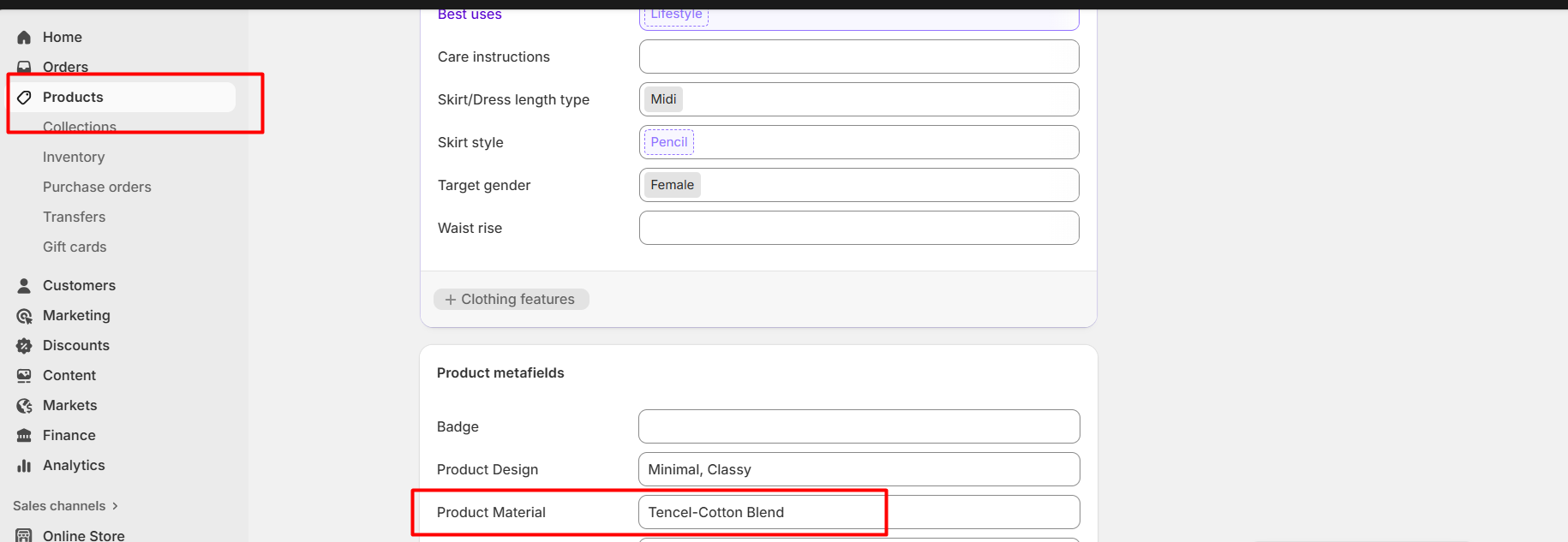
- On product detail page, type a Product Material that should be visible in the table.